$20 · instant download Get the toolkit — $20

answers “plan your week”

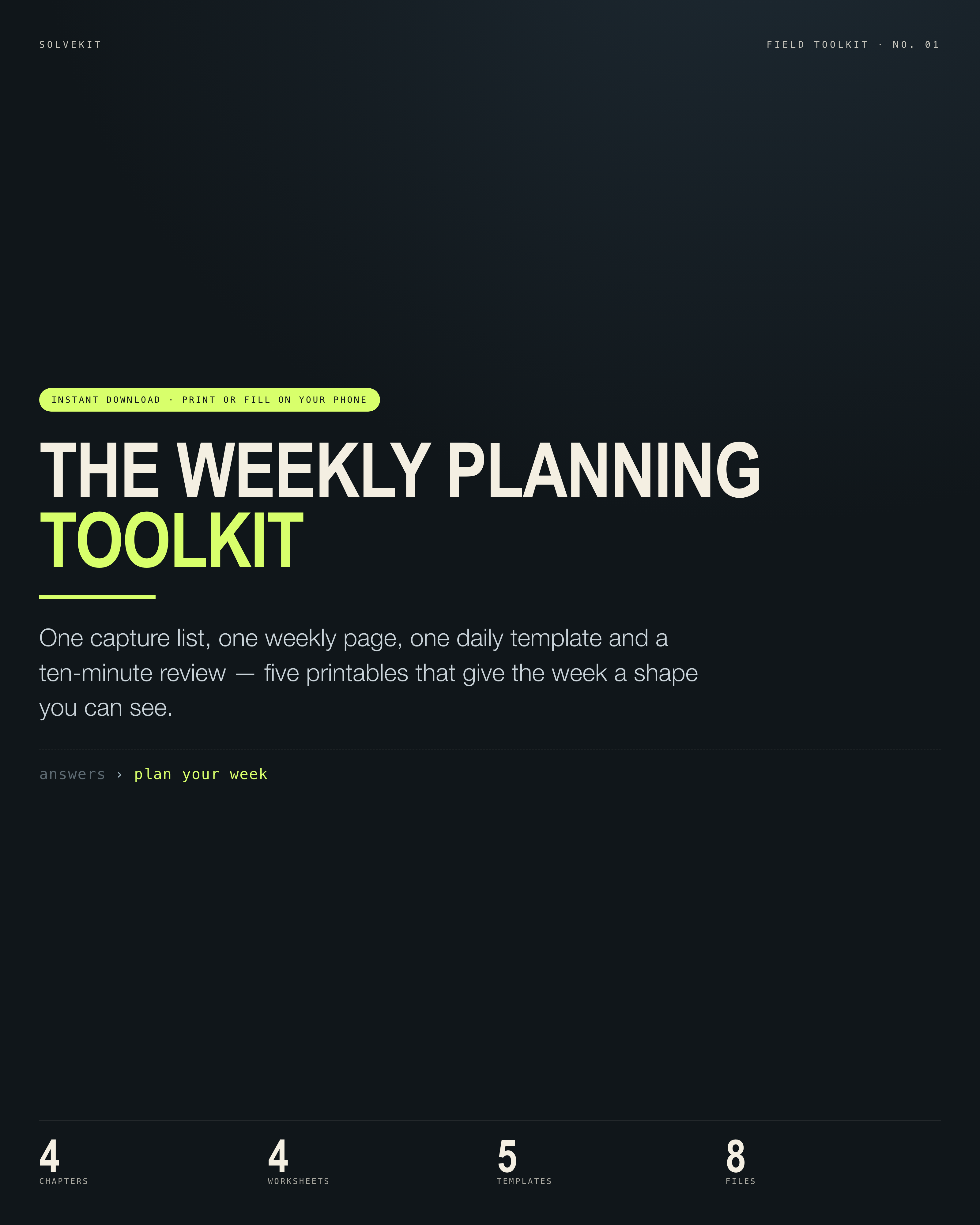
The Weekly Planning Toolkit

One capture list, one weekly page, one daily template and a ten-minute review — five printables that give the week a shape you can see.

Know what this week is for and what the next hour is for, without holding either in your head.

4chapters
4worksheets
5templates
8files

This is you, in 5 lines

No invented pain points — these are the sentences the bundle was written against, taken from how people phrase the problem. Built for beginners.

Your commitments live in six places: a notes app, a calendar, a group chat and two scraps of paper.

The to-do list has thirty items on it and not one of them says when.

You start Monday with a clean calendar and fill it with other people's requests by Wednesday.

Everything is marked 'this week', so nothing has an order and the important thing waits behind four small ones.

The day ends earlier than your energy does, but you cannot say what the last hour was for.

what changes after

Your commitments live on one page instead of in six places, the calendar holds three real blocks instead of twenty intentions, and Friday ends with a ten-minute review.

  • plan your week

Why this keeps getting asked

Reddit is not included: its anonymous API returns 403 from this machine. These are other people's public questions — proof the problem is asked a lot, not proof this product works. Read them yourself.

Each title links to the original thread in a new tab. The titles are quoted exactly, so if a site is unreachable from your network you can still find the thread by searching it.

Four chapters, each ending in a page

Every chapter ends in something you keep and use — not a summary, an artifact.

01

Get everything out of your head onto one page

A plan built on a half-remembered list quietly drops things, which is how they come back as surprises. Empty the pockets first, then sort.

01Set a timer for 15 minutes and write every open commitment on one sheet: tasks, errands, replies, bills, dates and promises you made out loud.
02Do not sort while you write — the point of this pass is that nothing stays in your head.
03Mark each line one of four ways: done, this week, later, or drop.
04For every line marked this week, write the next physical action — 'call the dentist about the crown', not 'dentist'.
05Add the furniture that cannot move: meetings, shifts, school runs and meals, as blocks on the calendar.
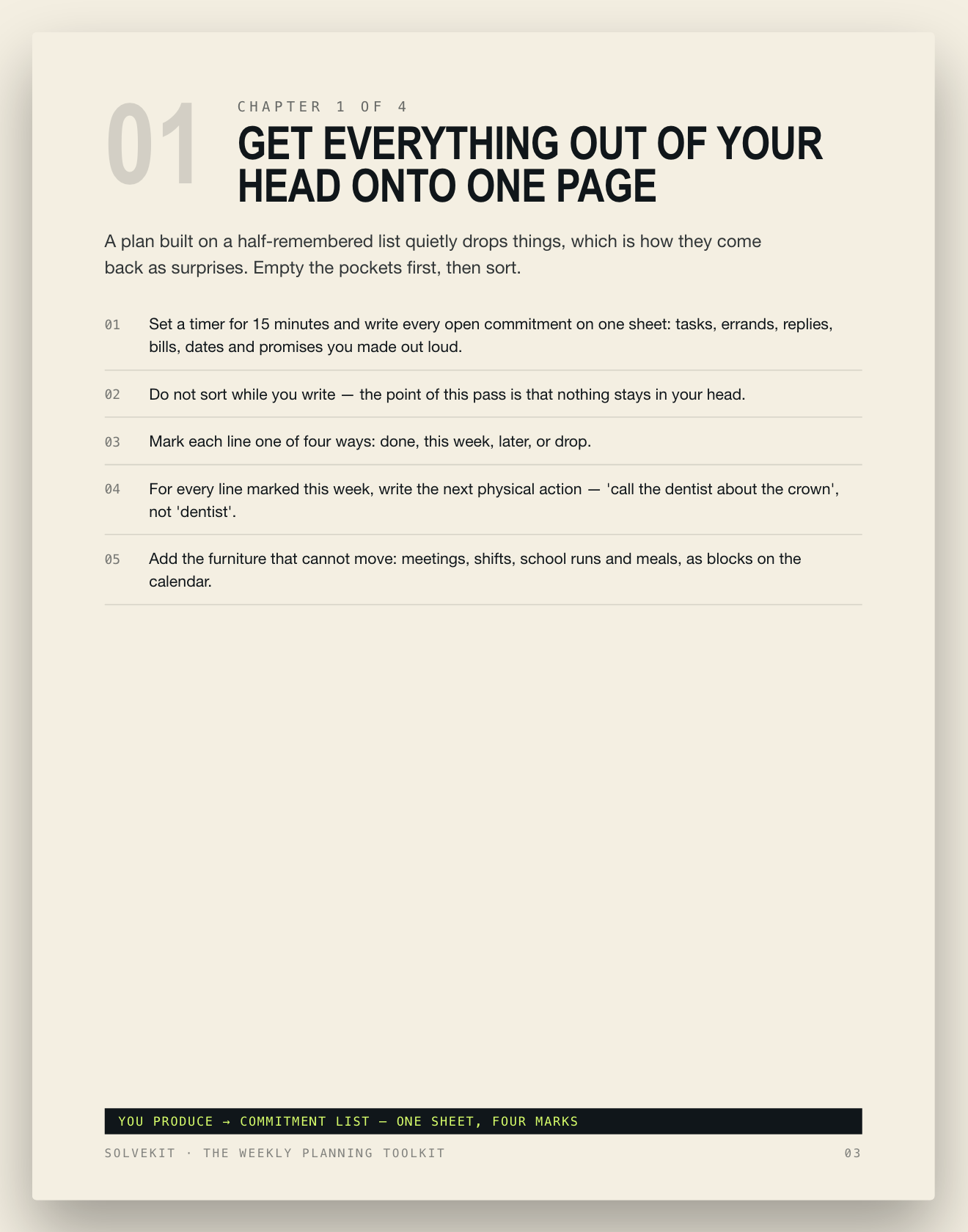
you finish with: Commitment List — one sheet, four marks
02

Decide what this week is for

A week with three real priorities beats a week with forty equal ones. Choose first, then find the time — never the other way round.

01Pick three outcomes that would make this week count, each written as a finished thing: 'invoice sent', not 'invoicing'.
02Check the calendar against them before you promise: find three 90-minute blocks and write them onto specific days.
03Cut one recurring commitment that no longer earns its slot — a meeting, a standing errand, a self-imposed duty.
04Write the edges of the day: one start time, one stop time, and one anchor for the evening.
05Name what will not get done this week, and tell anyone waiting on it before they have to ask.
you finish with: Weekly Page — three outcomes, three blocks
03

Give each day the same shape

Decisions made once at 9am cost less than decisions made all day. A daily template removes the daily negotiation and protects the first hour.

01Print the five-line daily template: first focus block, small-task batch, second focus block, admin window, tomorrow's top three.
02Put the hardest block first and open the day with it — messages wait until it is done.
03Batch every small thing into one 30-minute window at a fixed time: replies, calls, purchases, errands.
04Leave one 30-minute gap per day where the unexpected can land without breaking the rest of the plan.
05Close the day in five minutes: move unfinished lines, write tomorrow's top three, and name the first action for the morning.
you finish with: Daily Template — a page you reuse every day
04

Run the ten-minute weekly review

Plans decay on contact with a real week. A short, fixed review at the same time each week is what keeps the system current instead of hopeful.

01Open the same page each Friday and read the three outcomes: done, moved, or dropped — no new promises in this pass.
02Move every unfinished line forward with a new date or drop it; nothing sits in 'this week' twice.
03Scan the next two weeks for collisions, one line at a time: an event, a deadline, a travel day, a deadline for someone else.
04Reset the staples that make the week work: groceries, laundry, money check, calendar sync, one clear-out.
05Write next week's three outcomes before the weekend starts, so Monday opens with a decision already made.
you finish with: Weekly Review card — ten minutes, five questions

The workbook

The Weekly Planning Toolkit Workbook — print it, fill it in, keep it next to the plan. 18 checklist items included.

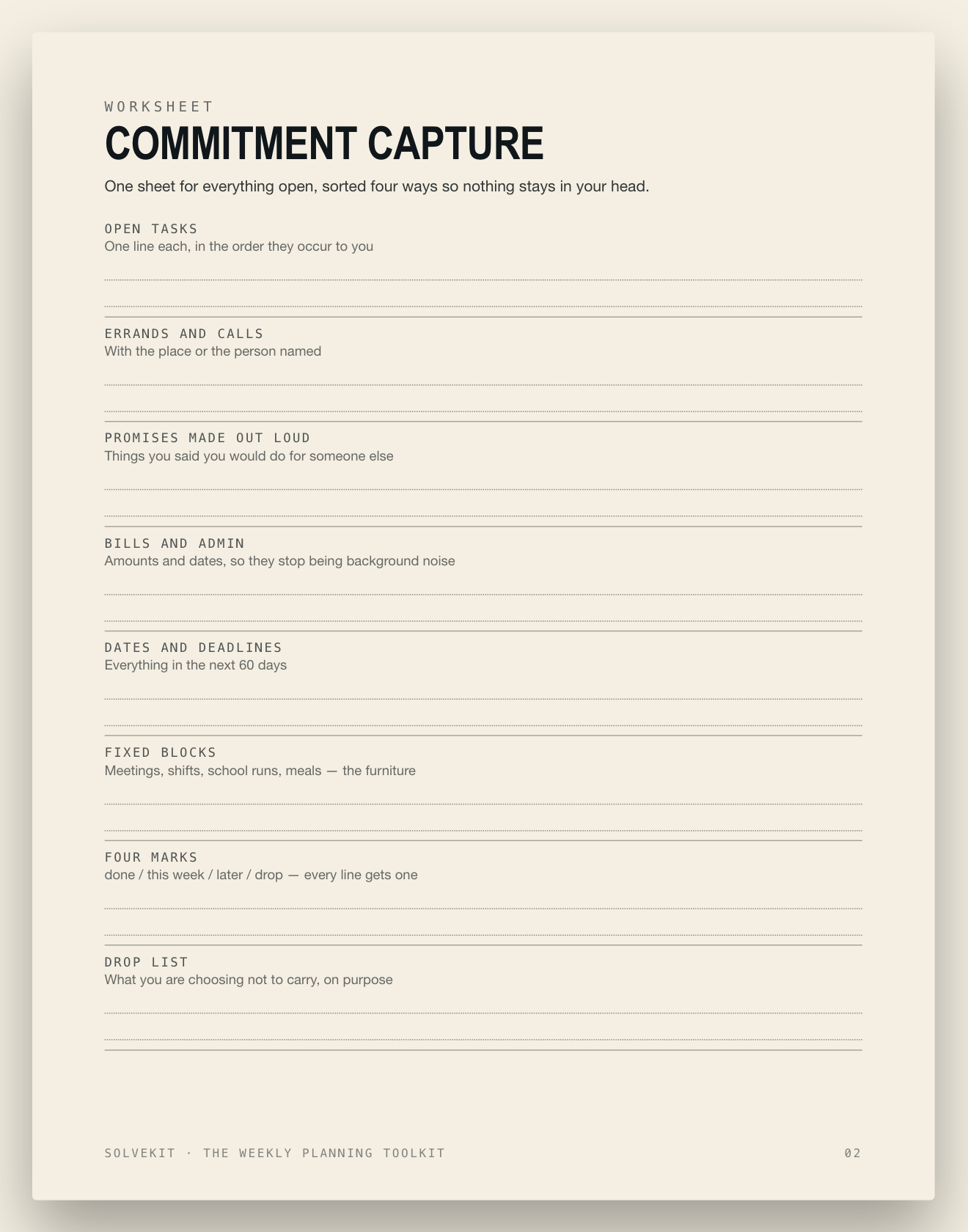
Commitment Capture

One sheet for everything open, sorted four ways so nothing stays in your head.

Open tasksErrands and callsPromises made out loudBills and adminDates and deadlinesFixed blocksFour marks

Weekly Page

The whole week on one page: three outcomes, three blocks, and what you decided not to do.

Week ofThree outcomesThree 90-minute blocksStart and stop timesEvening anchorCut this weekNot getting done

Daily Template

Five lines that give every day the same shape, printed and reused.

DateFirst focus blockSmall-task batchSecond focus blockOpen gapTomorrow's top threeFirst action

Weekly Review

Ten minutes, same five questions, same time each week.

Day and timeOutcomes: done / moved / droppedLines carried forwardNext two weeksStaples resetNext week's three outcomesOne thing to stop

Mistakes the method prevents

Each one appears in the guide with the fix beside it.

A list with no 'when' on it

Thirty undated items force you to re-decide the priority every time you look at the list, which is why you look at it less each day.

→ Give every item a day or a named 90-minute block on the calendar before it counts as a plan.

Color-coding instead of deciding

A beautifully labeled system can still hold a week where nothing important was given a slot.

→ Write the three weekly outcomes first, and touch the colors, tags and apps only afterwards.

Scheduling every hour

One overrun or one changed meeting makes the rest of the day's plan unusable, so the whole page gets abandoned.

→ Block three focus sessions, one admin window and one 30-minute gap, and leave the space between them open.

Starting each week from a blank page

Work that did not finish never announces itself, so it quietly falls off and comes back as a scramble.

→ End each week with the same ten-minute review and carry unfinished lines forward with a new date or a drop.

  • Everything captured on one sheet: tasks, errands, replies, promises
  • Each line marked done, this week, later, or drop
  • Every 'this week' line has a next physical action written on it
  • Fixed blocks on the calendar: meetings, shifts, school runs, meals
  • Three weekly outcomes written as finished sentences
  • Three 90-minute blocks placed on specific days before any new request
  • One recurring commitment cut or given an end date
  • Workday start time and stop time written on the weekly page
  • Evening anchor chosen — one fixed thing that ends the day
  • Daily template printed with its five lines
  • First focus block scheduled before messages get checked
  • Small tasks batched into one 30-minute window at a fixed time

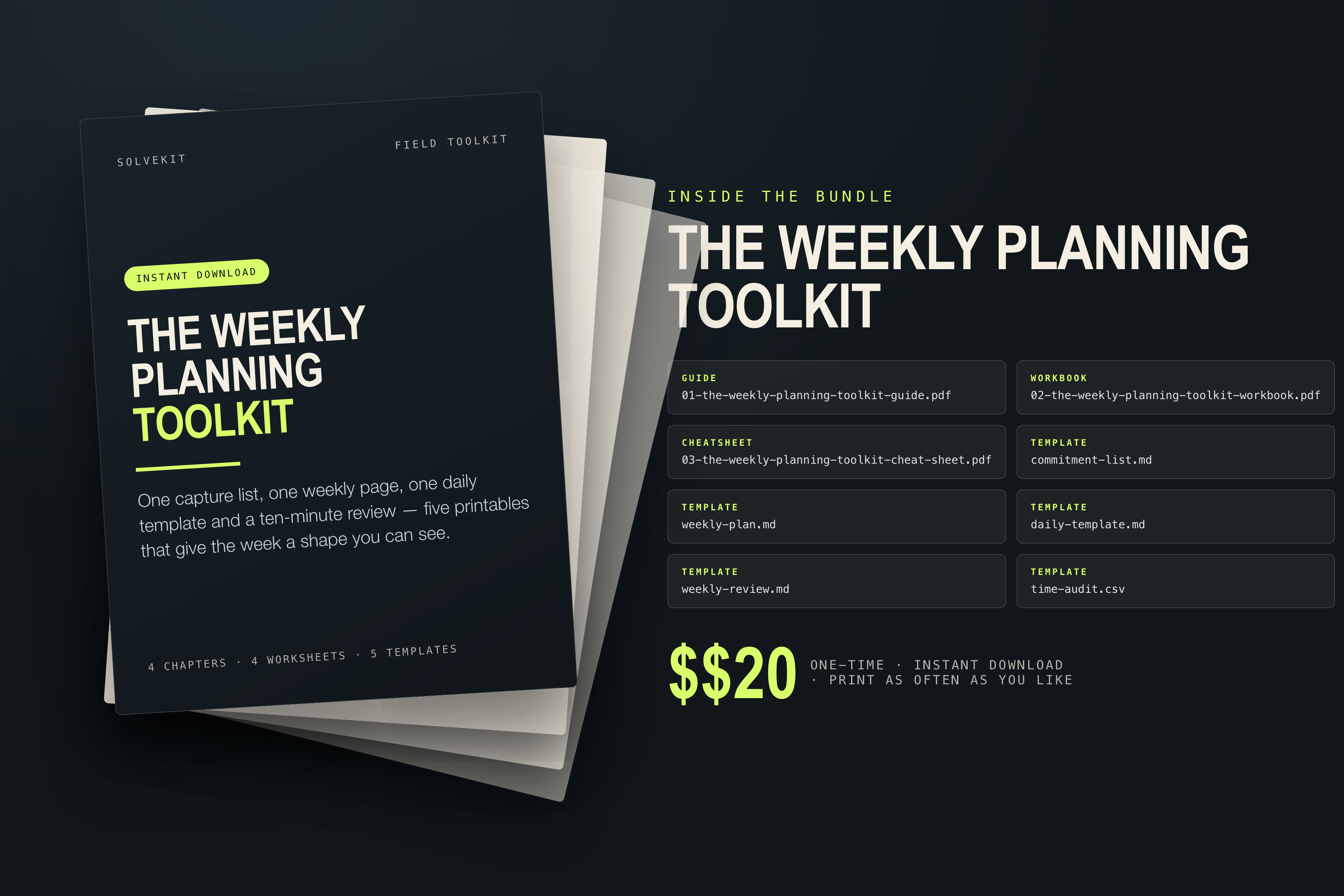
Exactly what downloads

8 files, no login, no subscription, no upsell inside the folder.

guide 01-the-weekly-planning-toolkit-guide.pdf The Weekly Planning Toolkit
workbook 02-the-weekly-planning-toolkit-workbook.pdf The Weekly Planning Toolkit Workbook
cheatsheet 03-the-weekly-planning-toolkit-cheat-sheet.pdf The Weekly Planning Toolkit Cheat Sheet
template commitment-list.md Commitment List
template weekly-plan.md Weekly Page
template daily-template.md Daily Template
template weekly-review.md Weekly Review
template time-audit.csv Time Audit (spreadsheet)

First lines of time-audit.csv

day,start,end,planned,actual_done,notes
Mon,09:00,10:30,Deep work,Deep work,
Mon,11:00,11:30,Replies and calls,Replies and calls,
Tue,09:00,10:30,Deep work,,
Tue,,,,,
Wed,,,,,
Thu,,,,,
Fri,,,,,
Sat,,,,,
Sun,,,,,

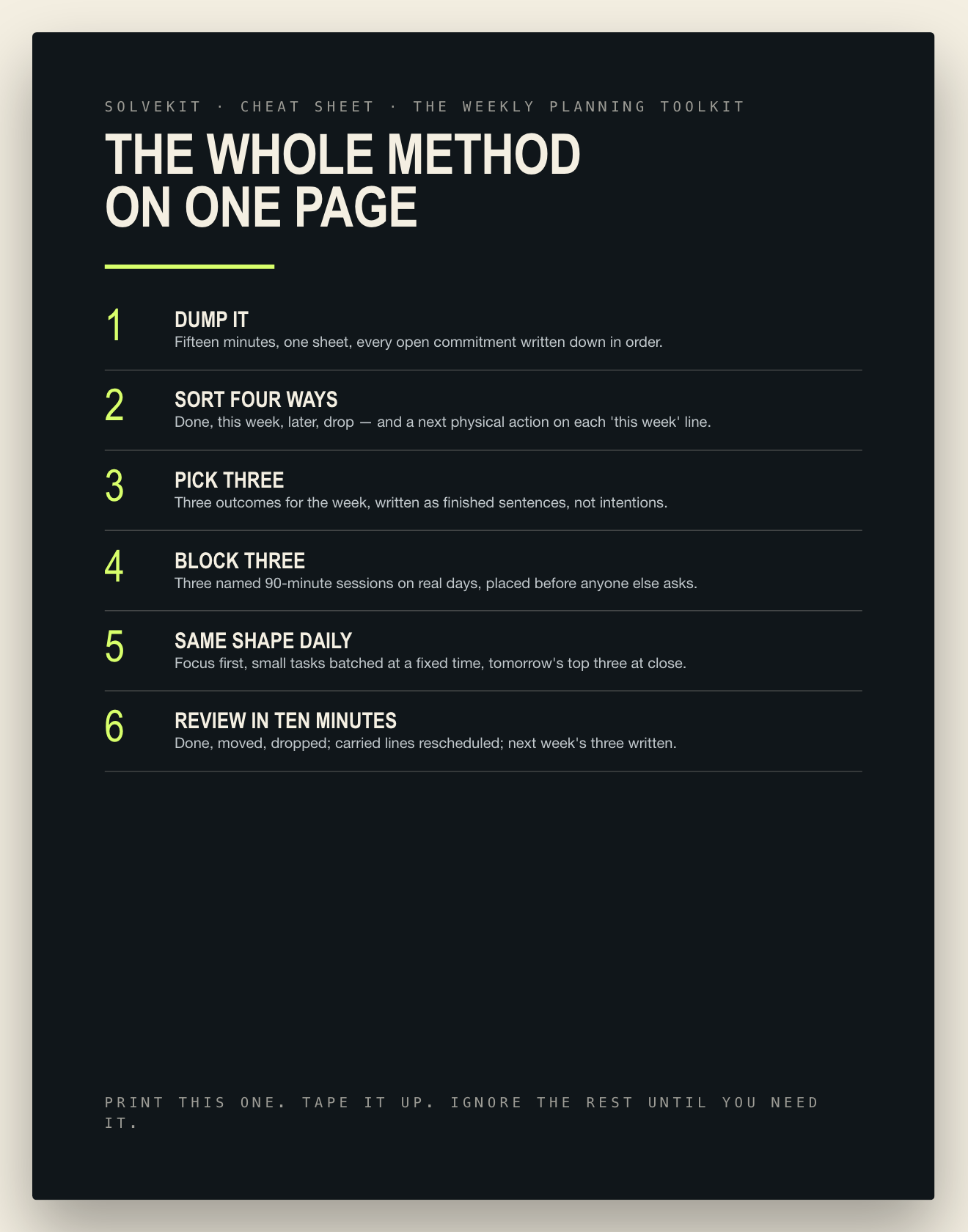
The whole method on one page

The Weekly Planning Toolkit Cheat Sheet — print it for the fridge or send it to the group chat.

1
Dump it

Fifteen minutes, one sheet, every open commitment written down in order.

2
Sort four ways

Done, this week, later, drop — and a next physical action on each 'this week' line.

3
Pick three

Three outcomes for the week, written as finished sentences, not intentions.

4
Block three

Three named 90-minute sessions on real days, placed before anyone else asks.

5
Same shape daily

Focus first, small tasks batched at a fixed time, tomorrow's top three at close.

6
Review in ten minutes

Done, moved, dropped; carried lines rescheduled; next week's three written.

Look inside first

Real pages from the bundle, rendered at full resolution — nothing here is a mock-up of a different product.

Preview of Guide — first page
Guide — first page
Preview of Workbook — first worksheet
Workbook — first worksheet
Preview of Cheat sheet — one page
Cheat sheet — one page
Preview of The bundle
The bundle
Preview of Cover
Cover

The five templates, in plain language

Two are spreadsheets that add themselves up; three are printable pages.

  • Commitment List — one sheet for every task, promise and deadline, sorted four ways so none of it stays in your head.
  • Weekly Page — three outcomes, three 90-minute blocks and what you have decided not to do this week.
  • Daily Template — a five-line page you reuse each morning: focus, batch, focus, admin, tomorrow's top three.
  • Weekly Review — the same five questions in ten minutes, so unfinished work carries forward instead of falling off.
  • Time Audit — a plain spreadsheet of what the week actually held, planned against done (`.csv`).
  • Cheat Sheet — the six-step method on one printable page for the wall above your desk.

Questions, answered plainly

What exactly do I get?

A printable guide, a fill-in workbook, a one-page cheat sheet and five templates — one as a spreadsheet (`.csv`) that opens in Google Sheets or Excel, four as printable pages.

Is this an app or a course?

Neither. It is paper and one spreadsheet — no login, no notifications, nothing to set up. Print a page, write on it, reuse it next week.

What happens when the week gets interrupted?

That is what the template is built around: a 30-minute gap each day, and a review that moves unfinished lines to a new date or drops them on purpose instead of letting them pile up silently.

Do I have to fill in every page?

Start with the Commitment List and the Weekly Page — those two give the week a shape. The daily template and the review come in when you want the same shape each morning.

How do I get it after paying?

The download link arrives by email as soon as payment clears — it is a file, not a course, so there is nothing to wait for.

The honest bit

Read this before you buy. It matters more than any headline above.

What it isA file bundle: 3 PDFs and 5 templates. No login, no subscription, no course platform, no upsell inside.
What it is notNot a personal assistant, not calendar software, and not a way to make a week hold more than it actually does.
No manufactured urgencyNo countdowns, strike-through prices, review stars or buyer counts appear on this page. The price is the price.
Print it freelyPrint as many copies as you like for yourself or your household. The examples are generic and contain no personal data.

Instant download · one-time payment

$20

Know what this week is for and what the next hour is for, without holding either in your head.

Get the toolkit — $20

Checkout runs on Gumroad. You get the download immediately after payment.

  • 01-the-weekly-planning-toolkit-guide.pdf
  • 02-the-weekly-planning-toolkit-workbook.pdf
  • 03-the-weekly-planning-toolkit-cheat-sheet.pdf
  • commitment-list.md
  • weekly-plan.md
  • daily-template.md
  • weekly-review.md
  • time-audit.csv